Notes & Wiki-Links
Create, connect, and organize your ideas with a rich text editor, wiki-links, AI writing tools, and a visual knowledge graph.
The note editor
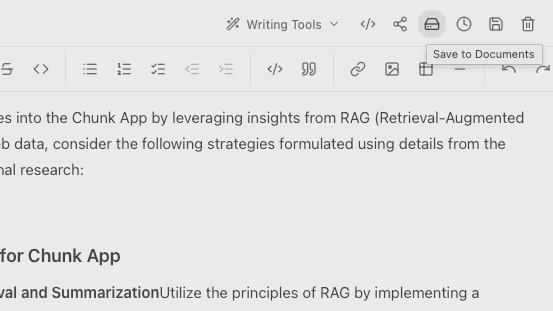
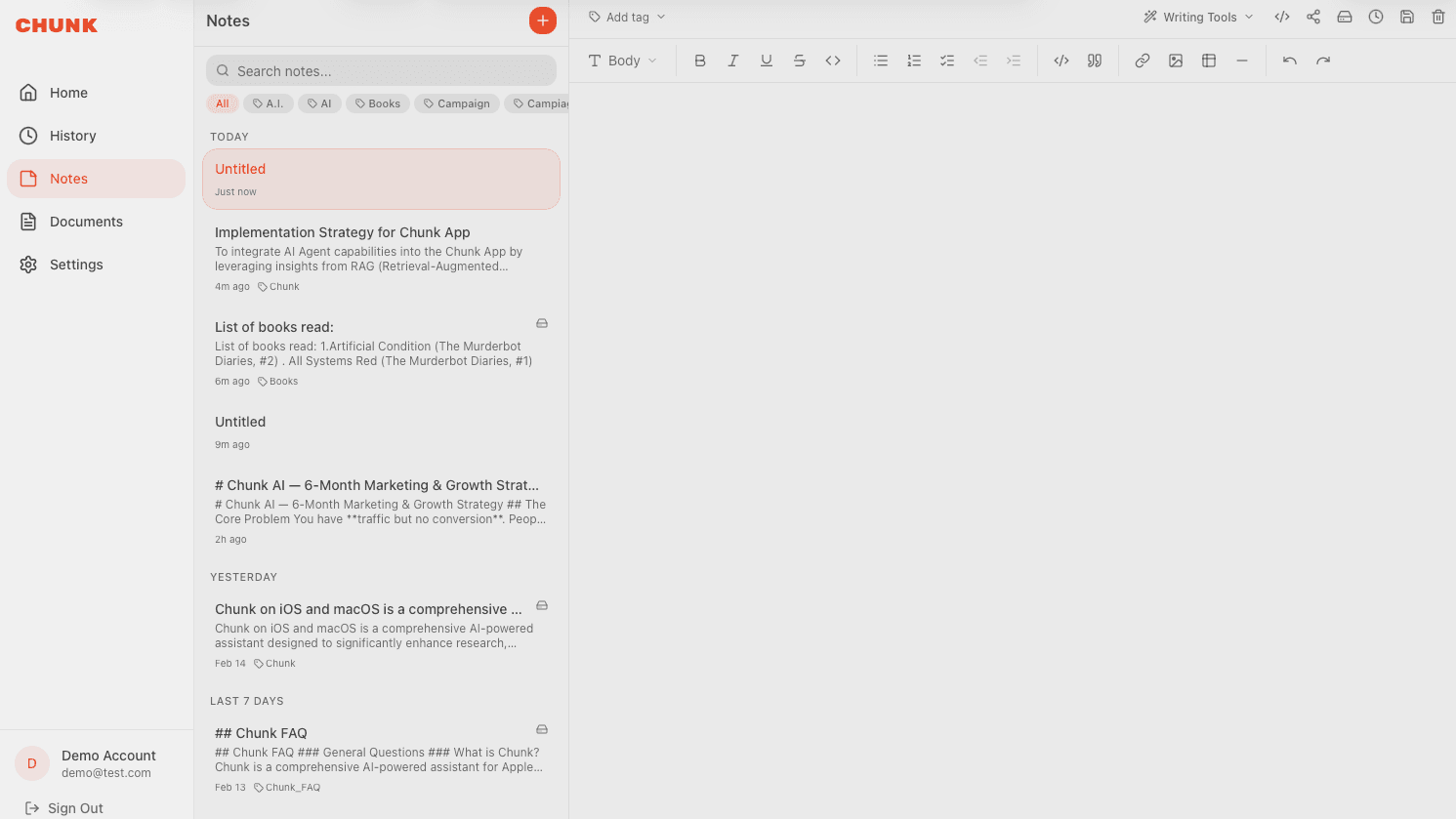
Chunk Notes uses a full-featured rich text editor. You can format text with headings, bold, italic, lists, code blocks, tables, blockquotes, images, and horizontal rules. Toggle to markdown source mode if you prefer writing raw markdown.
Wiki-links
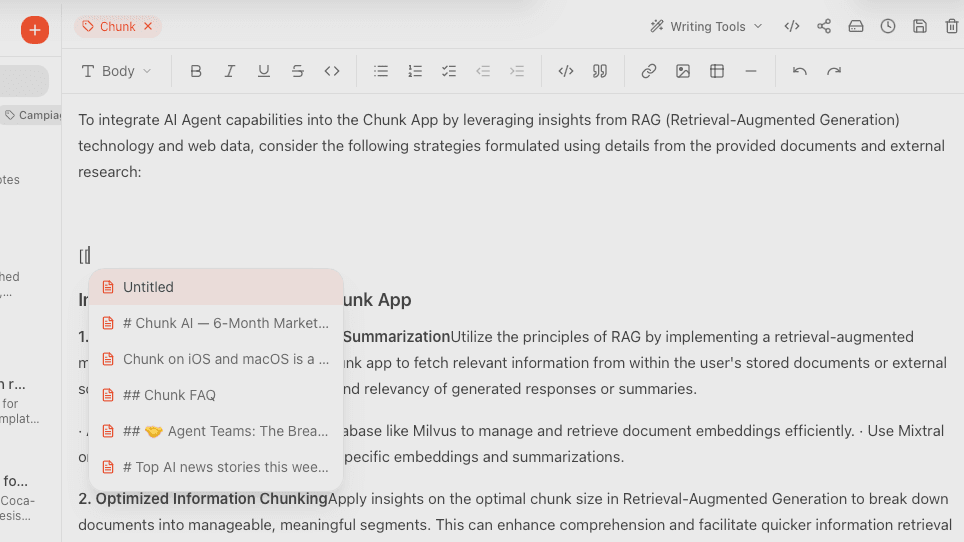
Connect your notes like a personal wiki. Type [[ in any note to search for and link to another note. Chunk automatically tracks backlinks — you can see which notes link to the one you're reading.
- Type [[ to open the note search popup.
- Select an existing note or create a new one from the popup.
- Backlinks appear at the bottom of each note.
- Use the Knowledge Graph view to see all connections visually.
Templates
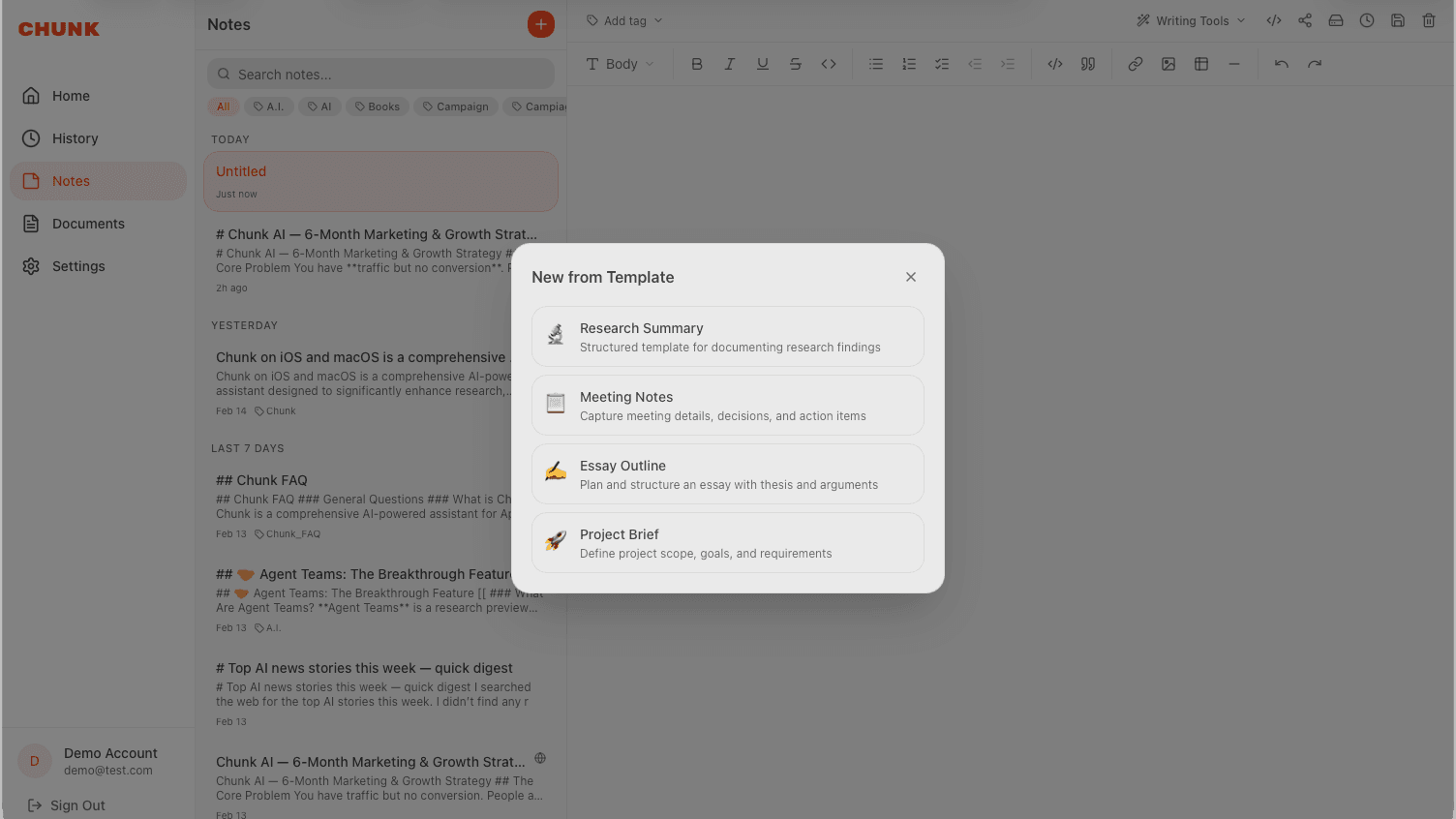
Start new notes faster with built-in templates. Choose from Research Summary, Meeting Notes, Essay Outline, or Project Brief — each pre-structured so you can jump right in.
AI writing tools
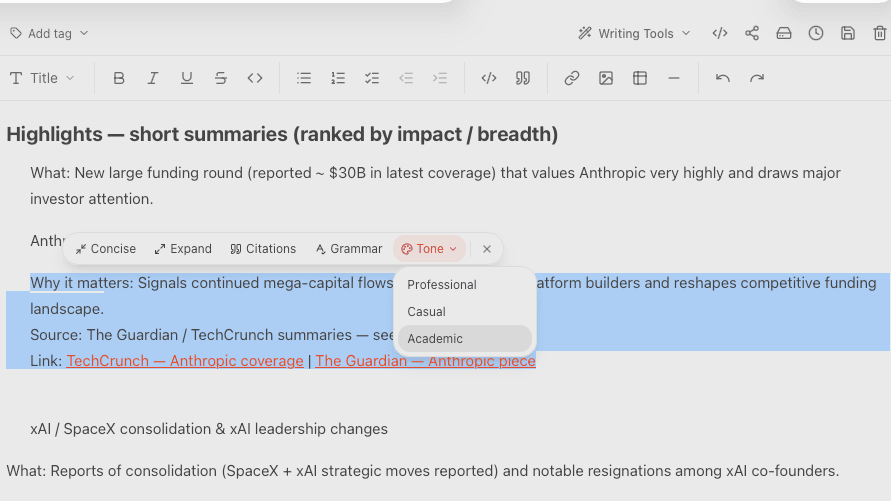
Select any text in a note and let AI improve it. Available tools include grammar fixing, summarizing, translating, tone adjustment, and creative writing. Free users get 4 uses per week; Pro users get unlimited access.
Knowledge Graph
Switch to Graph View to see all your notes and their connections as an interactive visual map. Notes that link to each other appear connected. This helps you discover clusters of ideas and find gaps in your knowledge.
Version history
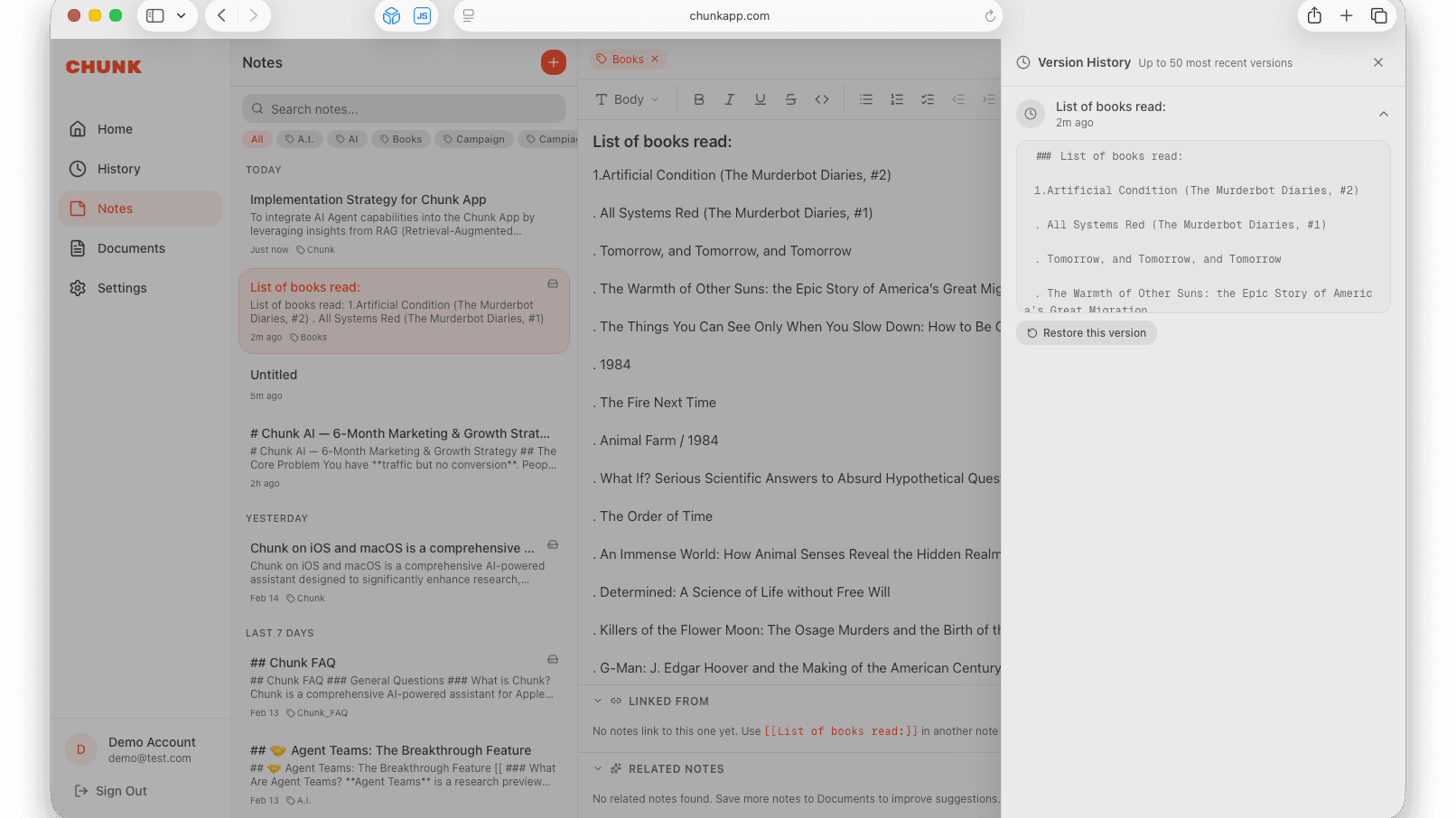
Chunk automatically saves versions of your notes. Browse past edits and restore any previous version if you need to undo changes.
Save to Documents (Pro)
Make any note searchable by AI. With Chunk Pro, save your note as a document and it gets indexed — Chunk can then reference it when you chat. Update it anytime after editing.