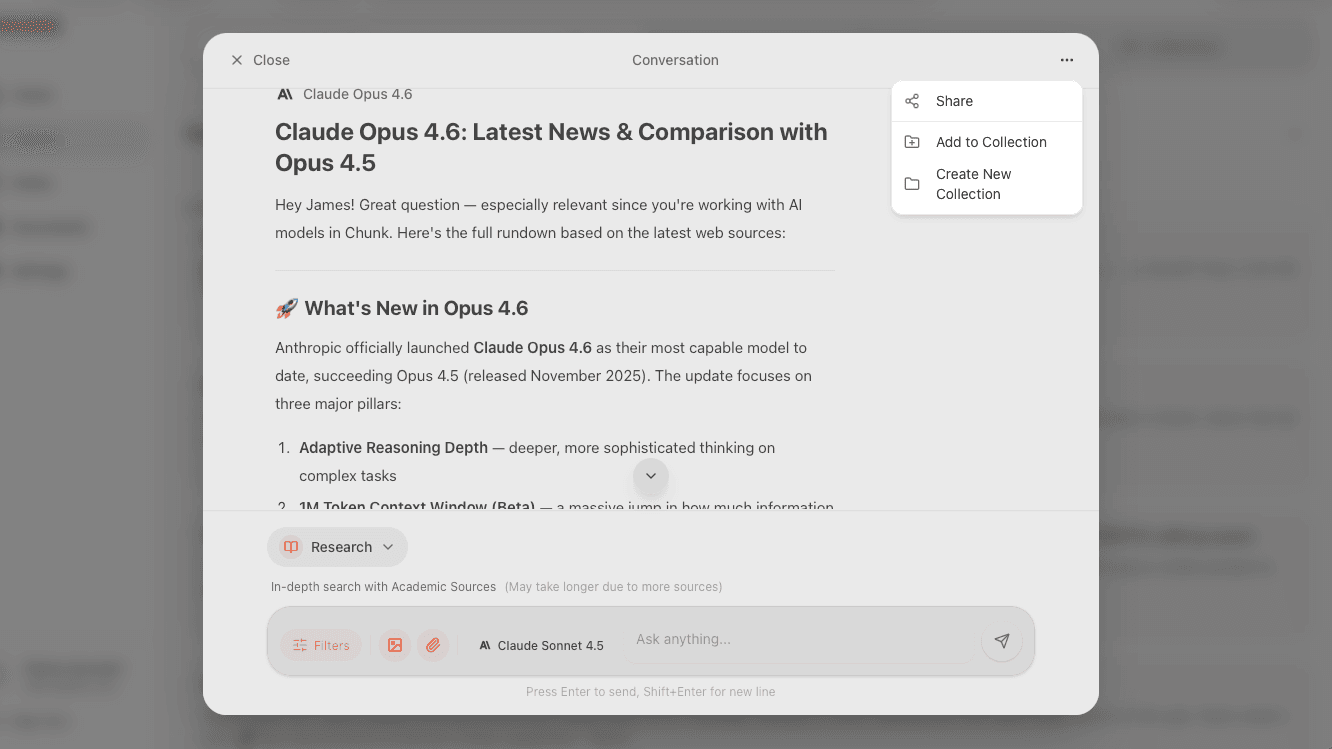
AI Chat
Chat with multiple AI models, search the web, generate images, and attach documents — all from one conversation.
Starting a conversation
Type your question or prompt in the chat input at the bottom of the screen. Chunk will use the selected AI model and search mode to generate a response. Every conversation is automatically saved to your history.
AI models
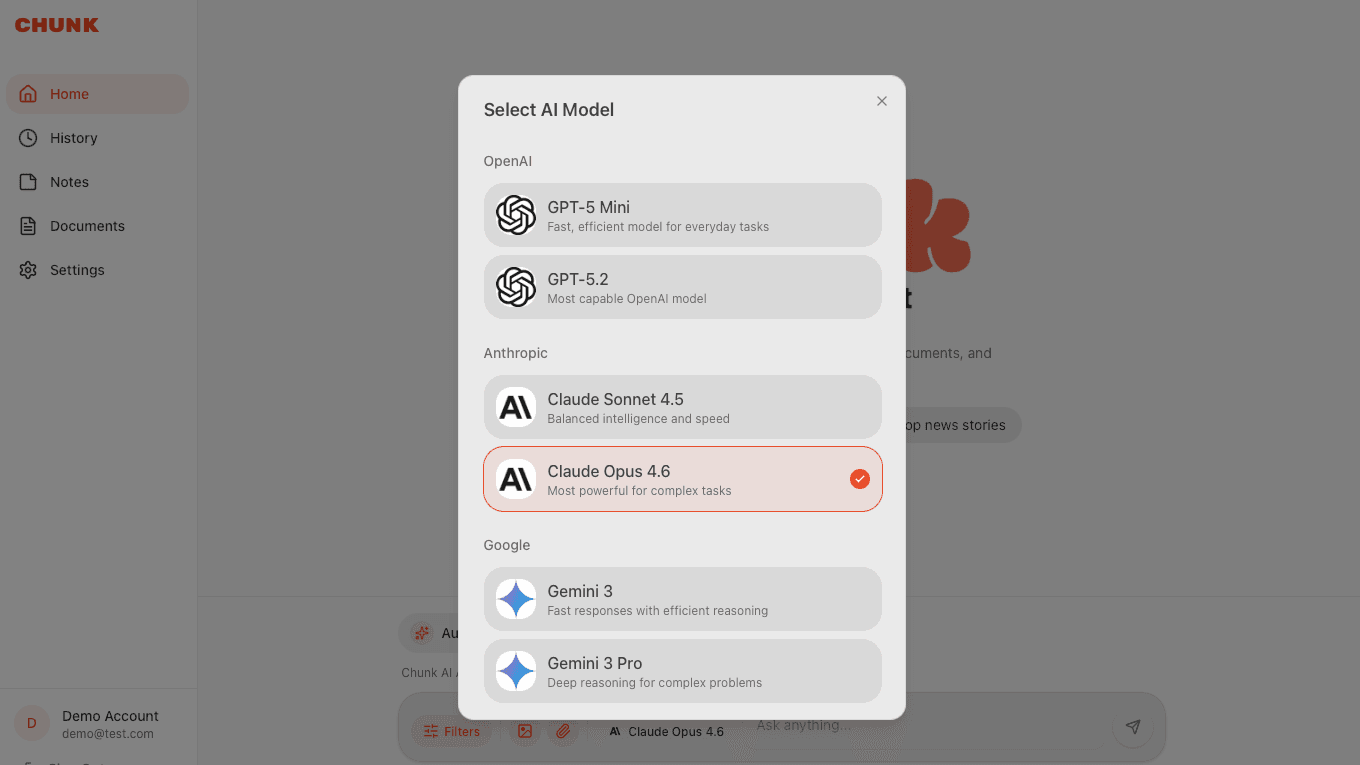
Chunk supports multiple AI models from different providers. Choose the one that works best for your task.
- GPT-5.6 Luna — free for all users, fast and capable for everyday questions.
- GPT-5.6 Sol — flagship capability for complex tasks and advanced reasoning.
- GPT-5.6 Terra — strong performance with a lower cost.
- GPT-5.6 Luna — efficient performance for high-volume workloads.
- Claude Sonnet 5 & Claude Opus 5 — Anthropic's models, great for analysis and writing.
- Gemini 3 & Gemini 3.1 Pro — Google's models with strong factual knowledge.
Search modes
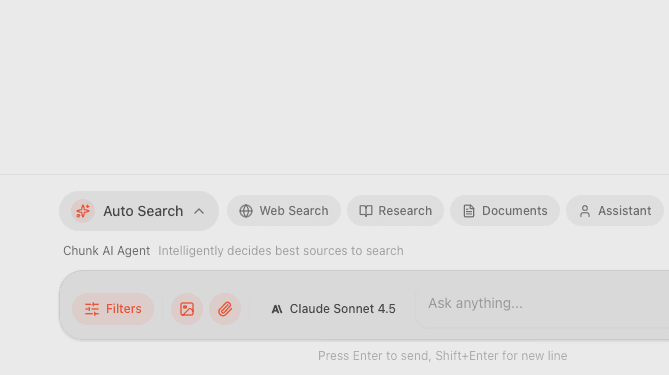
Search modes control how Chunk finds information before answering your question.
- Auto Search — Chunk picks the best mode automatically based on your question.
- Web Search — searches the internet for live, up-to-date results.
- Documents Only — searches only your uploaded files.
- Assistant — answers from the AI's training knowledge, no external search.
- YouTube — finds relevant YouTube videos for your query.
- Research — generates a full multi-page research report.
- All — combines web search with your documents for the most comprehensive answer.
Generating images
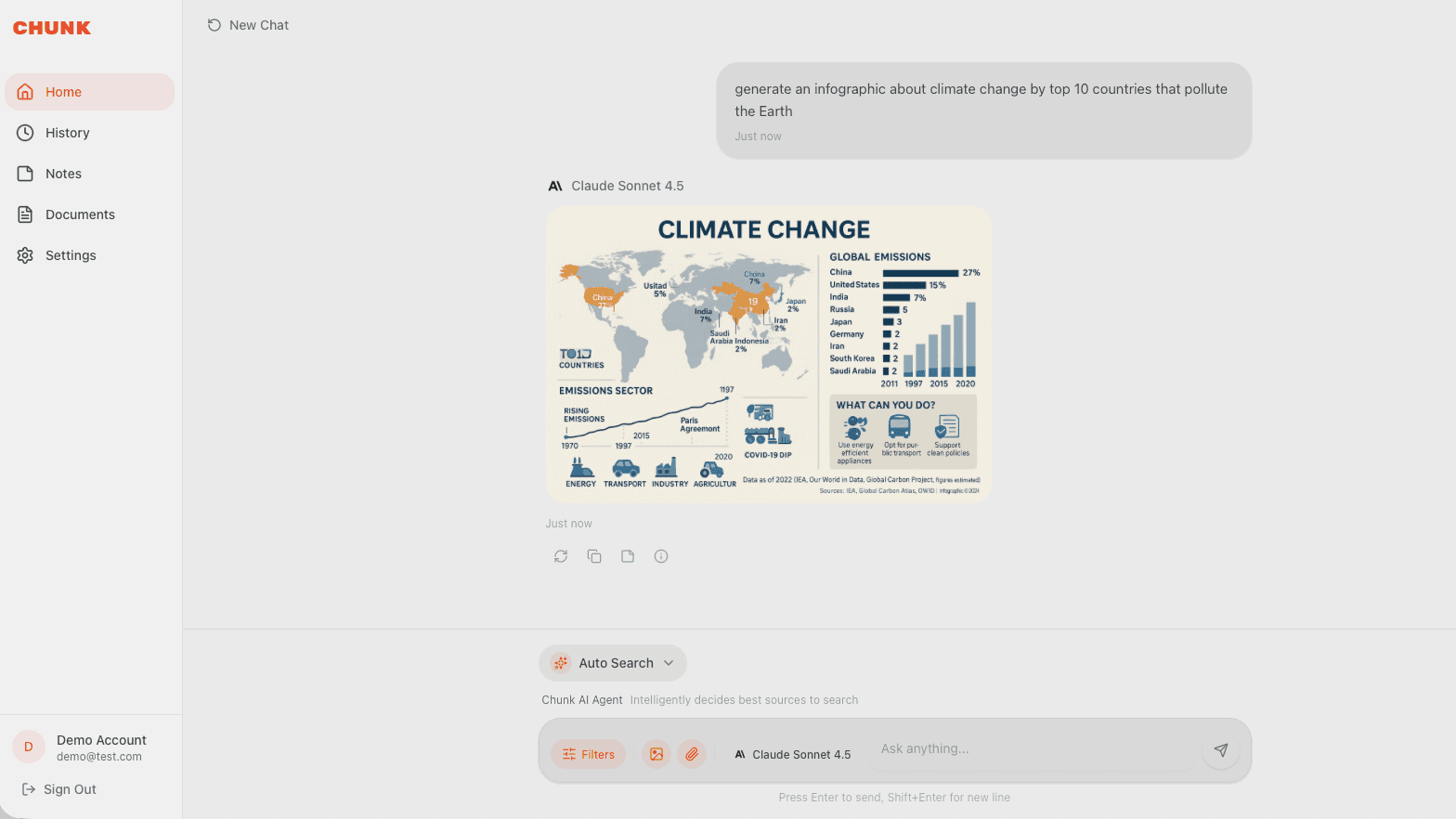
Just describe what you want in your message — "create an image of a sunset over mountains" — and Chunk will generate it. Image generation works with GPT-5.6 and Gemini 3.1 Pro models. Free users get 3 images per day, Pro users get 20.
Attachments
You can attach files and images directly to your messages for the AI to analyze.
- Up to 5 images per message (JPEG, PNG, GIF, WebP).
- One document per message on the free plan, or up to 3 with Pro (PDF, DOCX, TXT, and more).
- The AI can read, summarize, and answer questions about your attachments.
- Attached documents are analyzed for that conversation only. Pro adds a permanent, searchable Documents library.
Sources panel
When Chunk searches the web, a sources panel shows the websites it referenced. On desktop this appears as a side panel; on mobile it's a drawer you can swipe up. YouTube sources show as video cards you can watch directly.
Saving and sharing
Every conversation auto-saves to your history. You can share any conversation with a public link, or save an AI response directly to your Notes.